
What's New in TinyPilot's July 2026 Update
TinyPilot's July release introduces Relative Mouse Mode for improved mouse control on more target systems and a new modern operating system foundation.
Improved mouse control on more target systems
One of TinyPilot's goals is to work with as many devices as possible, including legacy and specialist hardware.
Most target machines let TinyPilot place the cursor at an exact point on the screen, but some systems - including BIOS and UEFI menus - ignore this and leave the cursor drifting out of sync or stuck in a corner.
This month's update adds a new Mouse Mode toggle in TinyPilot's System settings, letting you switch between Absolute and Relative mouse modes.
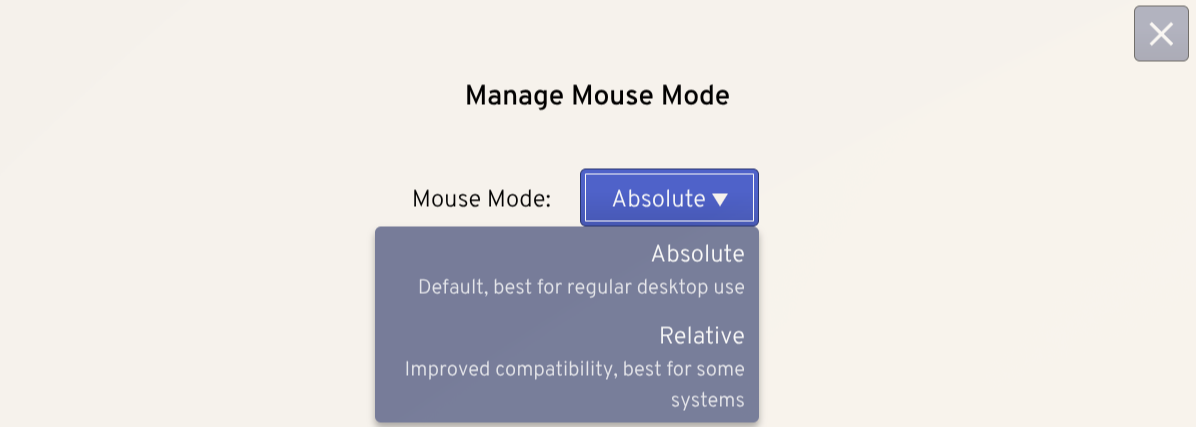
Relative mode reports how far your mouse moves rather than where it is, so the cursor tracks correctly on machines that don't support absolute positioning. In relative mode, click the screen to capture your mouse, and press Esc to release it.
For more on TinyPilot's mouse modes, see the dedicated FAQ.
A modern operating system foundation
This month's update moves TinyPilot to Debian 13 ("Trixie"), the latest version of the operating system at TinyPilot's core. Building on the newest platform keeps your device up-to-date with security updates and the latest software, giving you a more secure and dependable TinyPilot for years to come.
Full changelog
For the full list of changes to TinyPilot Pro 3.1.0, see the changelog.
Updating to the latest version
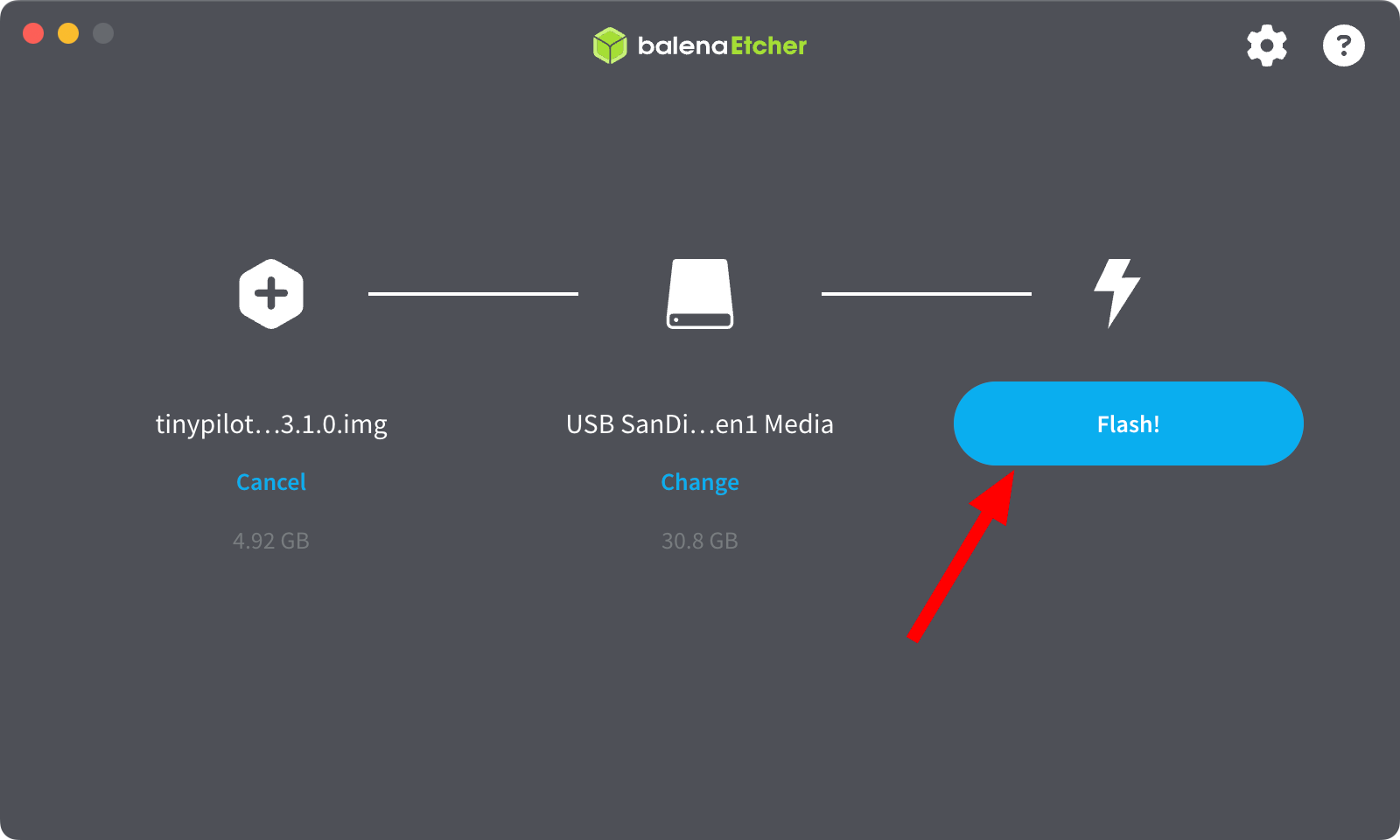
In order to update to the latest version of TinyPilot from version 3.0.2 and under, you will need to perform a factory reset.
Written by Dave Brown, TinyPilot Product Engineer